> For the complete documentation index, see [llms.txt](https://docs.fastn.ai/llms.txt). Markdown versions of documentation pages are available by appending `.md` to page URLs; this page is available as [Markdown](https://docs.fastn.ai/operate/operate.md).
# Activity
Watching what actually happens once integrations are live.
Build tells you what should happen. Operate tells you what did.
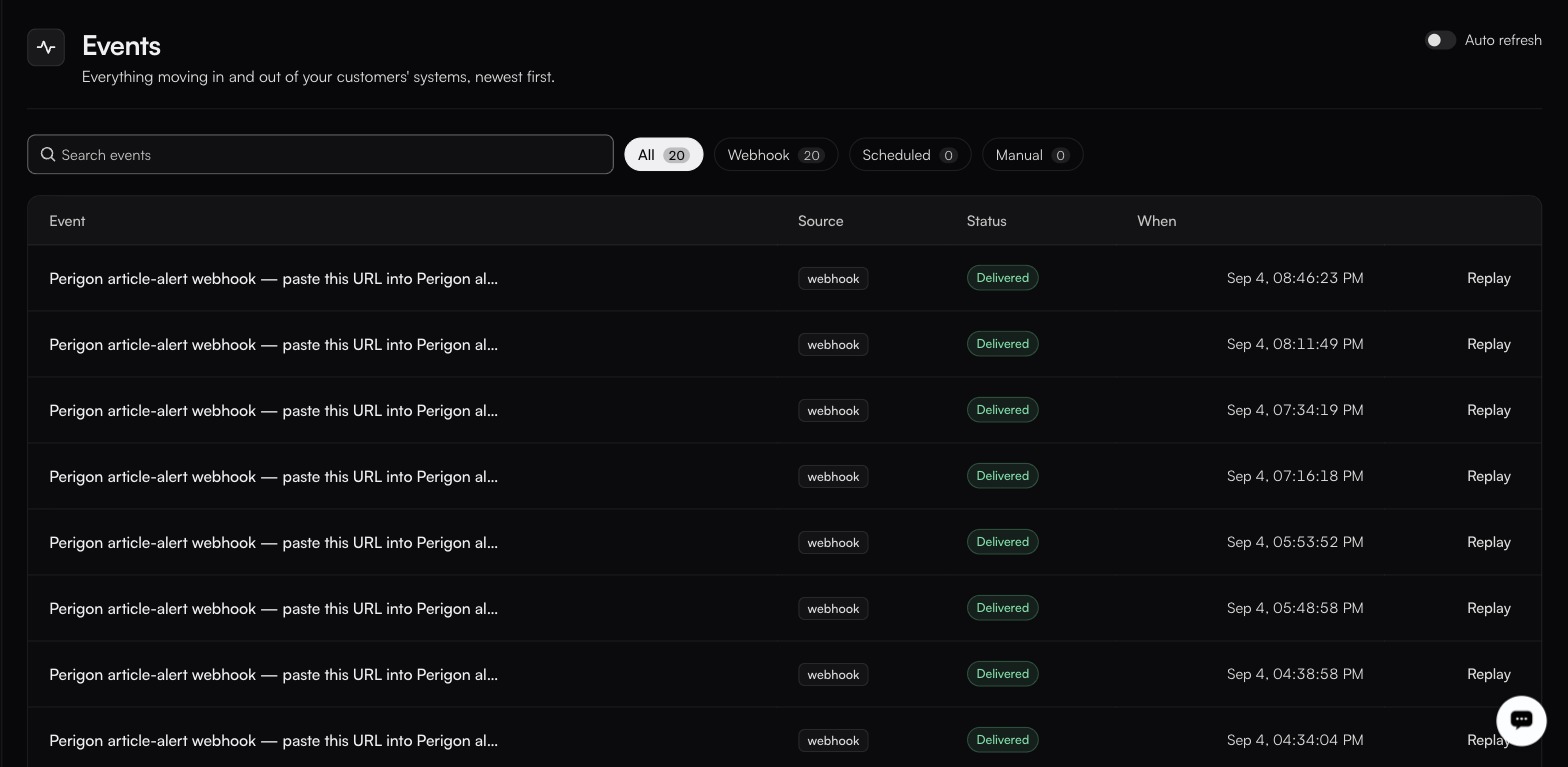
Events is where a debugging pass starts, did the thing arrive at all?
**Activity** holds five logs, each answering a different question.
| Page | Route | Answers |
| ---------------------------------------- | ------------------------ | ------------------------------------------------------------- |
| [Events](/operate/events.md) | `/activity/events` | What arrived, from where, and was it delivered? |
| [Traces](/operate/traces.md) | `/activity/traces` | Which connected systems did a run call? |
| [Alerts](/operate/alerts.md) | `/activity/alerts` | What should tell us something is wrong, and where does it go? |
| [Executions](/operate/executions.md) | `/activity/executions` | Which runs happened, and how did each end? |
| [Sync reports](/operate/sync-reports.md) | `/activity/sync-reports` | What actually changed, record by record? |
Also under Operate: [**Customers**](/operate/customers.md), who is using your embedded integrations. It is a top-level item in the sidebar's OPERATE group, a sibling of Activity rather than one of its logs.
And [Troubleshooting](/operate/troubleshooting.md), which is a page of this documentation rather than a screen in the product: something is wrong, where do I look?
### How to debug in the right order
When a customer says "it stopped working", walk down rather than around:
1. **Events**: did the event arrive at all? If not, the problem is upstream or in the trigger.
2. **Executions**: did a run start, and how did it end? Failed, Timeout and Cancelled each point somewhere different.
3. **Traces**, which external call failed or hung?
4. **Sync reports**: if the run succeeded but the data is wrong, this shows what it actually wrote.
5. **Connections**: if calls are being rejected, open the connection itself. Search for the customer rather than using the status filter chips: they currently return nothing for every state, so an empty result there tells you nothing.
{% hint style="success" %}
The step most teams skip is the first one: setting an [alert](/operate/alerts.md), so you reach step one before your customer does.
{% endhint %}
[Troubleshooting](/operate/troubleshooting.md) walks the same path organised by symptom.
---
# Agent Instructions
This documentation is published with GitBook. GitBook is the documentation platform designed so that both humans and AI agents can read, navigate, and reason over technical content effectively. Learn more at gitbook.com.
## Querying This Documentation
If you need additional information that is not directly available in this page, you can query the documentation by asking a question.
Perform an HTTP GET request on the following URL with the `ask` and `goal` query parameters:
```
GET https://docs.fastn.ai/operate/operate.md?ask=&goal=
```
`ask` is the immediate question: it should be specific, self-contained, and written in natural language.
`goal` is what the user is ultimately trying to achieve, the reason they need the answer. Sharing it helps GitBook give you a better, more relevant answer. A goal is most helpful when it describes the outcome the user wants rather than restating the question. For example, with `ask=how do I create an API token`, a goal like `automate deployments from our CI pipeline` lets GitBook tailor the answer to that use case.
The response will contain a direct answer to the question and relevant excerpts and sources from the documentation.
Use this mechanism when the answer is not explicitly present in the current page, you need clarification or additional context, or you want to retrieve related documentation sections.