> For the complete documentation index, see [llms.txt](https://docs.fastn.ai/llms.txt). Markdown versions of documentation pages are available by appending `.md` to page URLs; this page is available as [Markdown](https://docs.fastn.ai/manage/trash.md).
# Trash
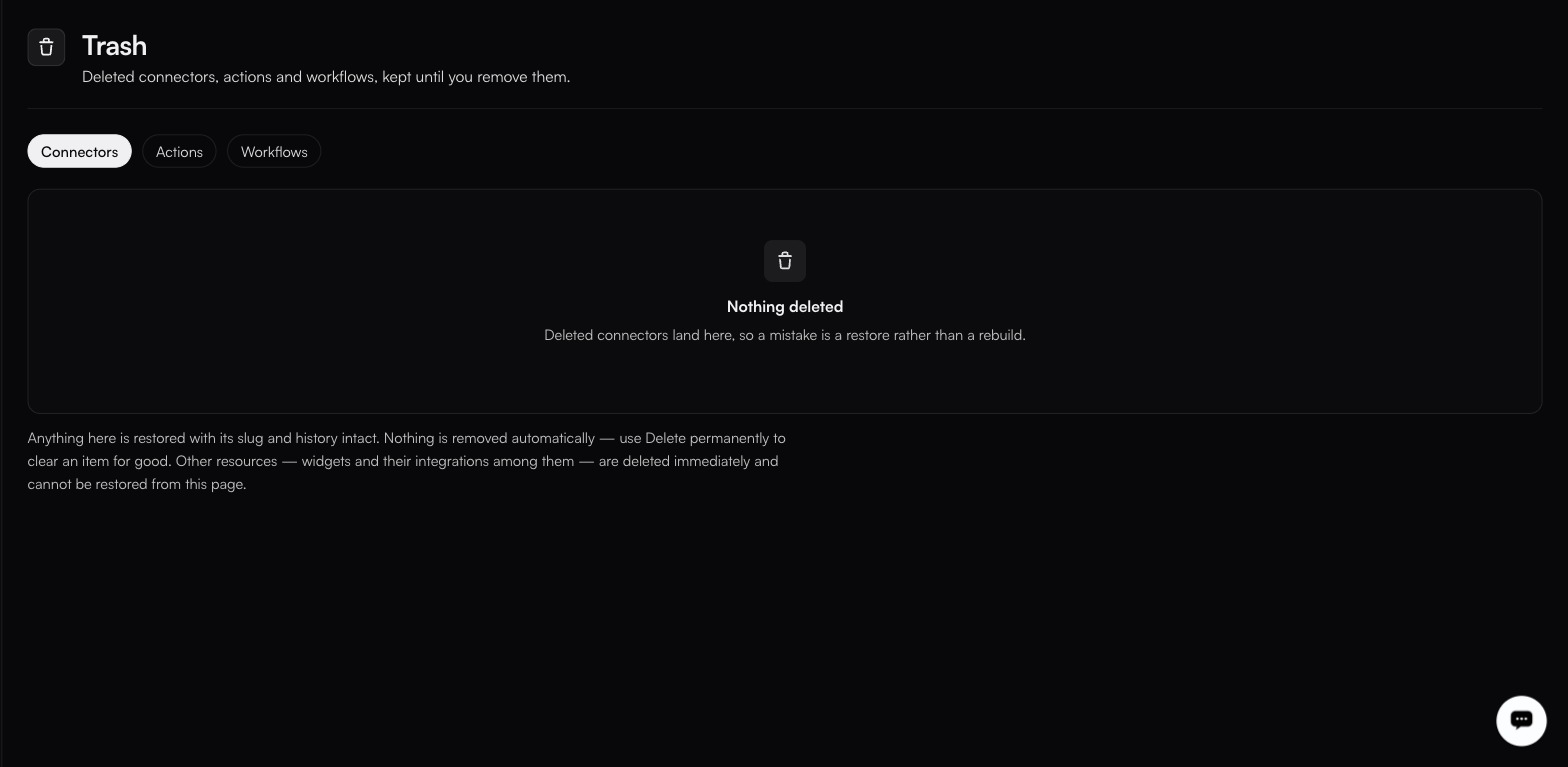
Deleted connectors, actions and workflows, kept until you remove them.
**Settings → Trash**
The paragraph underneath warns that widgets are deleted immediately and cannot be restored here.
> Deleted connectors, actions and workflows, kept until you remove them.
Three tabs: **Connectors** (the default), **Actions** and **Workflows**. The Workflows tab lists:
| Column | Notes |
| ---------------------- | ---------------------------------- |
| **Name** | The workflow's display name. |
| **Slug** | Restored unchanged. See below. |
| **Deleted** | When it was moved here. |
| **In trash** | How long it has been sitting here. |
| **Restore** | Puts it back. |
| **Delete permanently** | Removes it for good. |
{% hint style="warning" %}
**The Actions tab currently does not load.** It sits on *Loading deleted actions…* and never resolves. Deleted connector actions are still tracked (this is a defect in the tab, not evidence that nothing is there) but you cannot restore one from this screen while it persists.
{% endhint %}
### What restore gives you back
Anything here is restored with its slug and history intact. That matters: a workflow that referenced a connector by slug keeps working after a restore, which would not be true if you rebuilt it from scratch.
### Nothing expires
Nothing is removed automatically. Items stay until you use **Delete permanently** to clear one for good.
{% hint style="danger" %}
**Delete permanently** cannot be undone. There is no second trash.
{% endhint %}
### What does not come here
> Other resources (widgets and their integrations among them), are deleted immediately and cannot be restored from this page.
So the recoverable set is exactly connectors, connector actions and workflows. Anything else (a widget and the integrations configured on it, explicitly), goes when you delete it.
### In the audit log
Soft deletes, restores and permanent deletes are recorded separately from one another, which is what lets you reconstruct what happened to something after the fact. Filter by the resource on the [audit log](/manage/audit-log.md), and use its **All actions** dropdown for the exact action names your organisation emits.
---
# Agent Instructions
This documentation is published with GitBook. GitBook is the documentation platform designed so that both humans and AI agents can read, navigate, and reason over technical content effectively. Learn more at gitbook.com.
## Querying This Documentation
If you need additional information that is not directly available in this page, you can query the documentation by asking a question.
Perform an HTTP GET request on the following URL with the `ask` and `goal` query parameters:
```
GET https://docs.fastn.ai/manage/trash.md?ask=&goal=
```
`ask` is the immediate question: it should be specific, self-contained, and written in natural language.
`goal` is what the user is ultimately trying to achieve, the reason they need the answer. Sharing it helps GitBook give you a better, more relevant answer. A goal is most helpful when it describes the outcome the user wants rather than restating the question. For example, with `ask=how do I create an API token`, a goal like `automate deployments from our CI pipeline` lets GitBook tailor the answer to that use case.
The response will contain a direct answer to the question and relevant excerpts and sources from the documentation.
Use this mechanism when the answer is not explicitly present in the current page, you need clarification or additional context, or you want to retrieve related documentation sections.