> For the complete documentation index, see [llms.txt](https://docs.fastn.ai/llms.txt). Markdown versions of documentation pages are available by appending `.md` to page URLs; this page is available as [Markdown](https://docs.fastn.ai/manage/configs.md).
# Configs
Values your workflow code reads per environment.
**Settings → Configs**
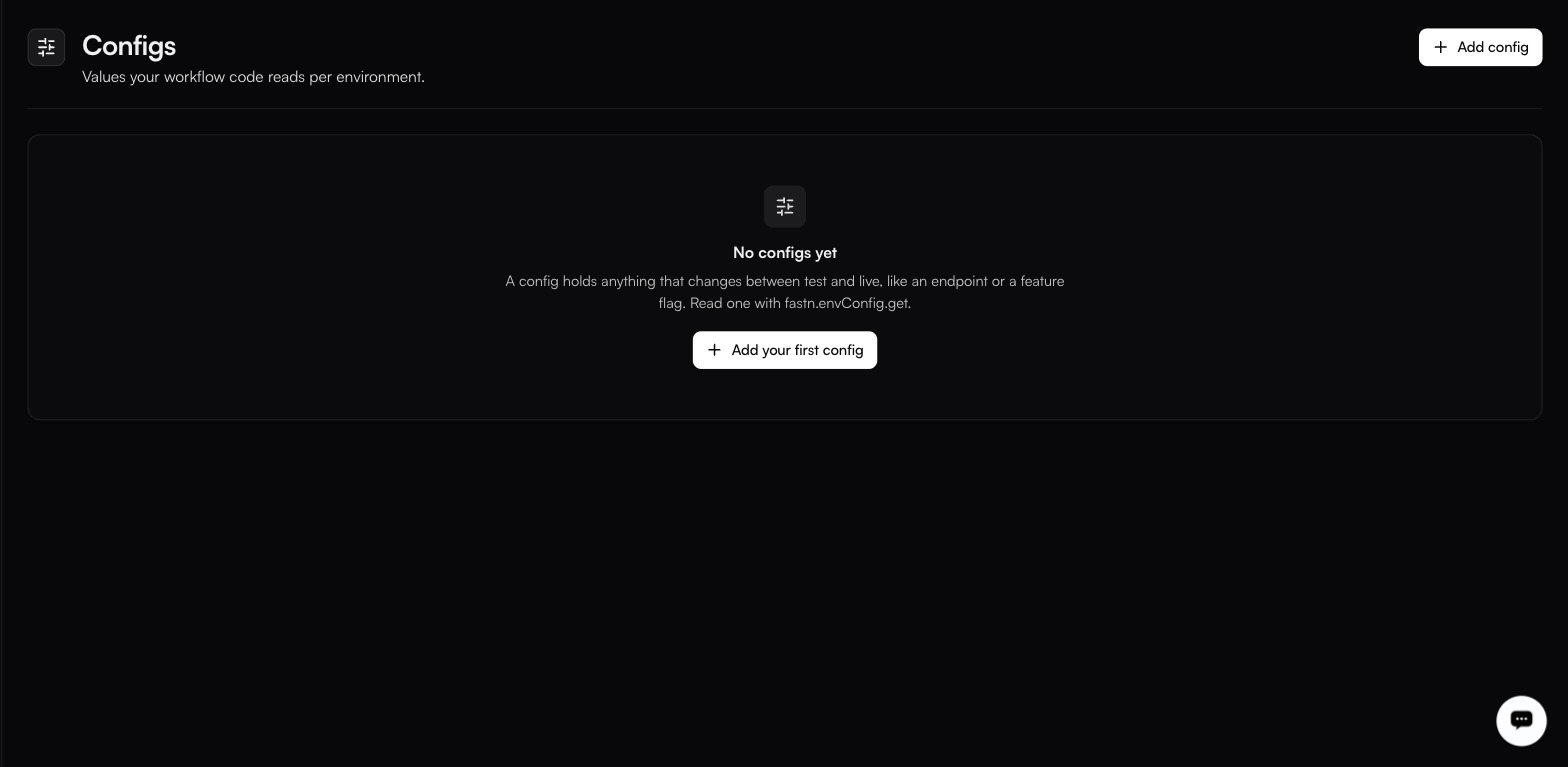
With nothing configured yet, the page reads **No configs yet** above the line that explains the feature:
The Configs page before any config exists. Read a config from workflow code with fastn.envConfig.get("key").
> A config holds anything that changes between test and live, like an endpoint or a feature flag. Read one with fastn.envConfig.get.
```javascript
const endpoint = await fastn.envConfig.get("PARTNER_API_BASE");
const batchSize = await fastn.envConfig.get("BATCH_SIZE");
```
### Creating one
**Add config** opens the **Add Config** dialog, which takes two things.
**Key \*** is the string your code passes: `fastn.envConfig.get("PARTNER_API_BASE")` reads the config whose key is `PARTNER_API_BASE`.
**Values per environment** is one editor per environment, labelled with the display name and the slug: **Test (test)**, **Live (live)**, and a row for each named environment you have added. A value may be raw text or valid JSON.
{% hint style="info" %}
**Leaving an environment's editor blank skips that environment on save**: it does not write an empty value. That is usually what you want when you are only setting up test, but it means a config can silently have no value in live.
{% endhint %}
The same key resolves to a different value depending on which environment the run is in, so your code never branches on environment.
### Configs versus secrets
A config's value is entered and edited in the dashboard rather than written once and hidden, which is the practical difference from a [secret](/manage/secrets.md): you can see what an environment is set to without running anything. Treat that as the working assumption: anything whose exposure would be an incident belongs in a secret regardless.
### Choosing between a config and a secret
| Use a **config** for | Use a **secret** for |
| ------------------------------------------- | -------------------------------------- |
| Base URLs and endpoints | API tokens and passwords |
| Feature flags | Signing and encryption keys |
| Batch sizes, page sizes, thresholds | Database connection strings |
| Anything you would happily show a colleague | Anything whose exposure is an incident |
{% hint style="warning" %}
When in doubt, use a secret. A config that turns out to be sensitive is already visible to everyone who can read settings.
{% endhint %}
### A common pattern
Point test at a sandbox and live at production, without a line of conditional code:
| Config | test | live |
| ------------------ | --------------------------------- | ----------------------------- |
| `PARTNER_API_BASE` | `https://sandbox.partner.example` | `https://api.partner.example` |
| `BATCH_SIZE` | `10` | `500` |
| `DRY_RUN` | `true` | `false` |
Which environment a run uses is decided by the `x-fastn-env` header or the trigger route. See [Environments](/manage/environments.md).
---
# Agent Instructions
This documentation is published with GitBook. GitBook is the documentation platform designed so that both humans and AI agents can read, navigate, and reason over technical content effectively. Learn more at gitbook.com.
## Querying This Documentation
If you need additional information that is not directly available in this page, you can query the documentation by asking a question.
Perform an HTTP GET request on the following URL with the `ask` and `goal` query parameters:
```
GET https://docs.fastn.ai/manage/configs.md?ask=&goal=
```
`ask` is the immediate question: it should be specific, self-contained, and written in natural language.
`goal` is what the user is ultimately trying to achieve, the reason they need the answer. Sharing it helps GitBook give you a better, more relevant answer. A goal is most helpful when it describes the outcome the user wants rather than restating the question. For example, with `ask=how do I create an API token`, a goal like `automate deployments from our CI pipeline` lets GitBook tailor the answer to that use case.
The response will contain a direct answer to the question and relevant excerpts and sources from the documentation.
Use this mechanism when the answer is not explicitly present in the current page, you need clarification or additional context, or you want to retrieve related documentation sections.