> For the complete documentation index, see [llms.txt](https://docs.fastn.ai/llms.txt). Markdown versions of documentation pages are available by appending `.md` to page URLs; this page is available as [Markdown](https://docs.fastn.ai/build/connector-updates.md).

# Pending updates

Vendor changes to the integrations you use, and the fixes proposed for them. Nothing is applied until you accept it.

**Integrations → Pending updates** · `/integrations/updates`

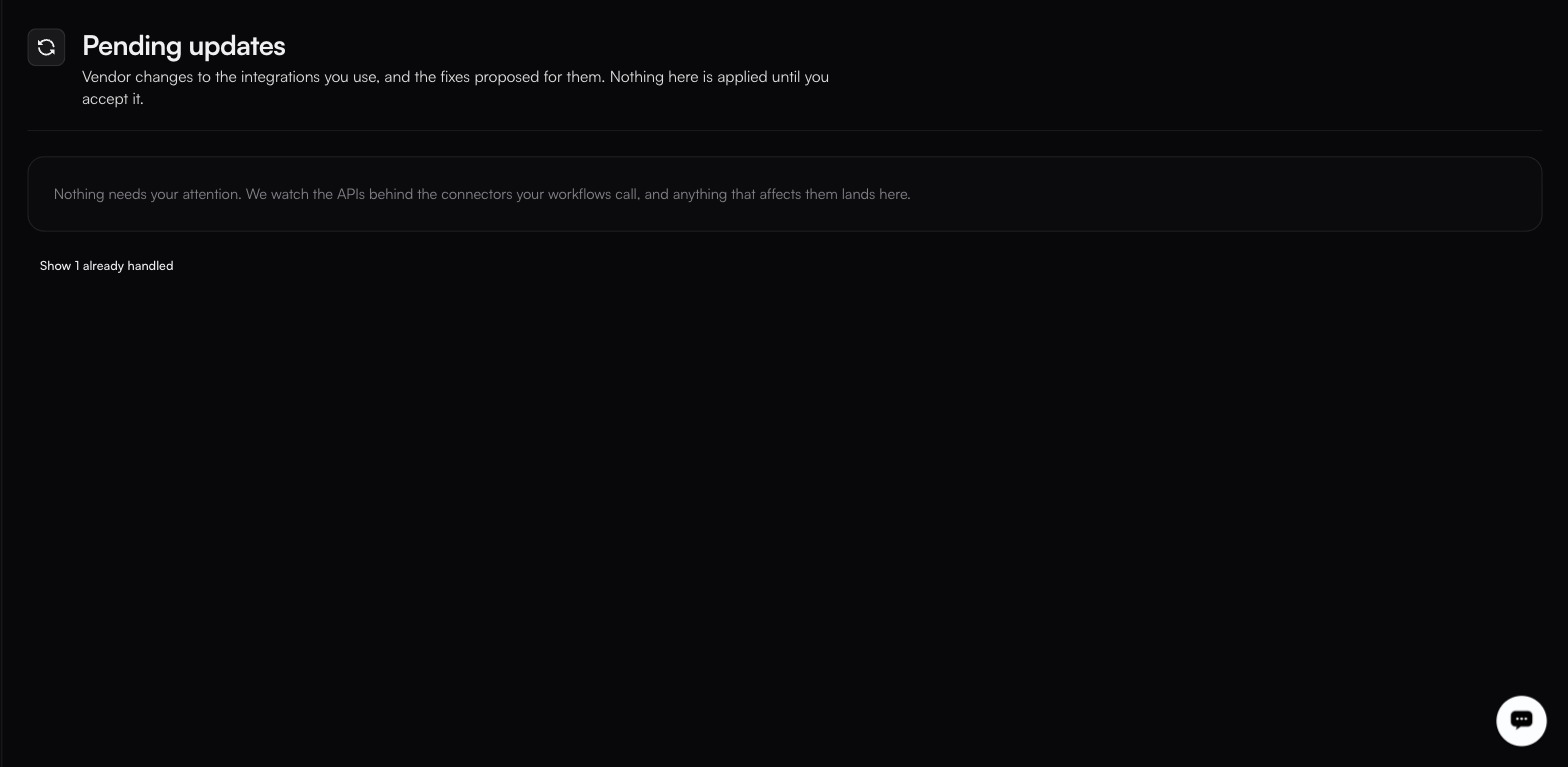
<figure><img src="https://1255842839-files.gitbook.io/~/files/v0/b/gitbook-x-prod.appspot.com/o/spaces%2F3iSr2Tx8FvvuoLPncziH%2Fuploads%2Fgit-blob-a02f1f4d0c6f3b16969829df914cf6d60566608a%2Fconnector-updates.jpg?alt=media" alt="The Pending updates page in its empty state, reading Nothing needs your attention above a Show 1 already handled link that brings resolved proposals back into view"><figcaption><p>Nothing outstanding, the handled count is the only sign anything ever landed here.</p></figcaption></figure>

Vendors deprecate endpoints, change parameter names and alter response shapes. Normally you find out when a sync starts failing. fastn watches for these changes, works out what the fix is, and files a proposal here. The page states its own promise:

> Vendor changes to the integrations you use, and the fixes proposed for them. Nothing here is applied until you accept it.

It is a single list. There are no *Connector fixes* or *My workflows* tabs. When nothing is outstanding it reads *Nothing needs your attention…*, and a **Show N already handled** toggle brings the resolved ones back into view.

### Reading a proposal

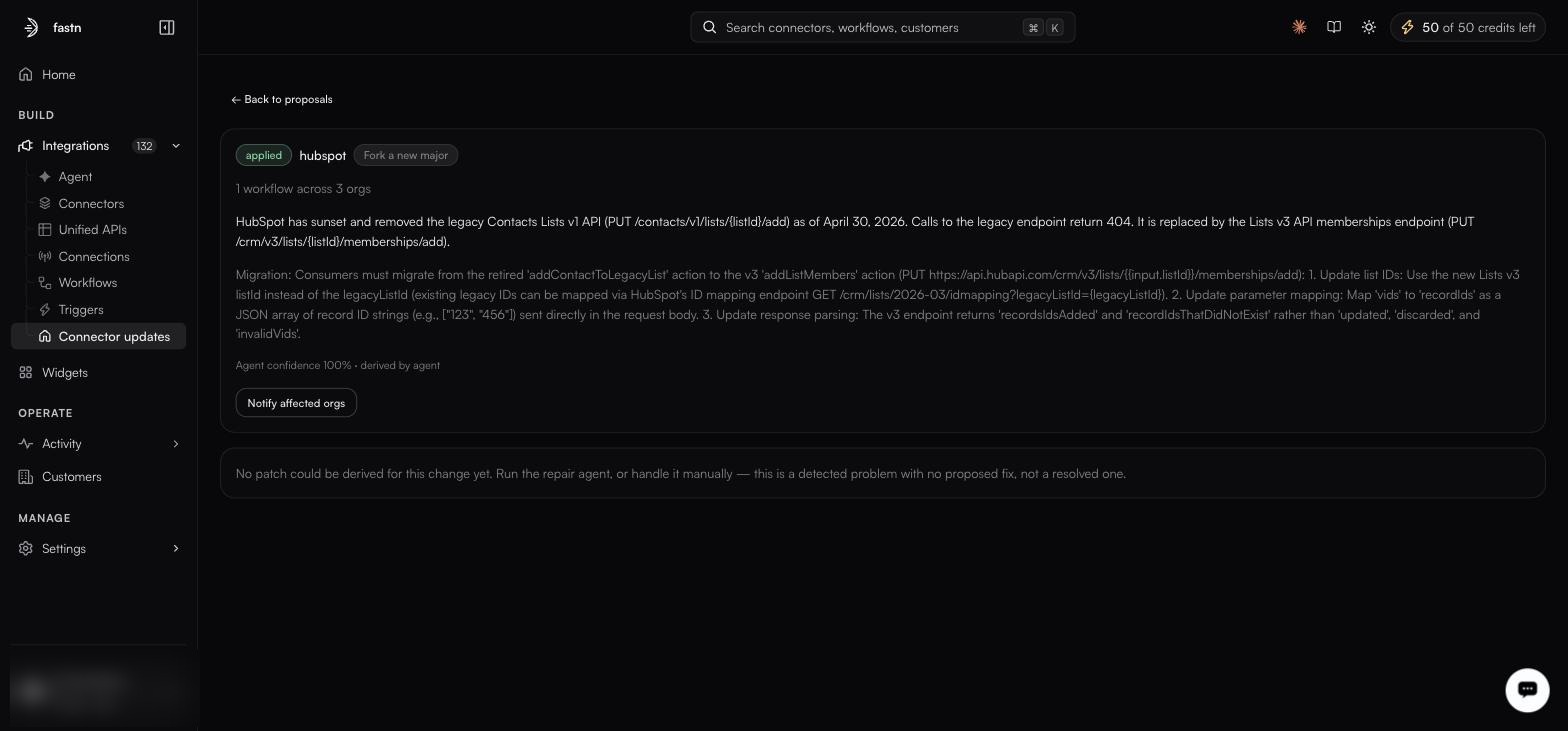
Each card carries:

* a **status word**, such as `Applied`;
* **Integration connector:**: the connector the change affects;
* **Affected workflows:**: the workflows that depend on it;
* a description of what changed and the fix; and
* a **Details** button.

<figure><img src="https://1255842839-files.gitbook.io/~/files/v0/b/gitbook-x-prod.appspot.com/o/spaces%2F3iSr2Tx8FvvuoLPncziH%2Fuploads%2Fgit-blob-ca727976f13b05fbf653d44fb94018282df18bf2%2Fconnector-update-review.jpg?alt=media" alt="An applied hubspot proposal tagged Fork a new major, covering 1 workflow across 3 orgs, explaining the retired Contacts Lists v1 API and three numbered migration steps, with a Notify affected orgs button"><figcaption><p>Agent confidence and provenance sit under the text; here no patch could be derived automatically.</p></figcaption></figure>

**Details** opens the proposal in full: what changed upstream, with the specific endpoints involved, and the fix set out as numbered migration steps: updated IDs, remapped parameters, changed response parsing.

### Why nothing auto-applies

Because a connector change can alter behaviour your workflows depend on. A parameter rename is safe; a response shape that drops a field your mapping reads is not. fastn does the diagnosis and the drafting, and leaves the decision with you.

{% hint style="info" %}
Version pins on a connector let you hold specific customers on the old version while you migrate the rest: remembering that a version set in code still wins over a pin. See [Connectors](/build/connectors.md).
{% endhint %}


---

# Agent Instructions
This documentation is published with GitBook. GitBook is the documentation platform designed so that both humans and AI agents can read, navigate, and reason over technical content effectively. Learn more at gitbook.com.

## Querying This Documentation
If you need additional information that is not directly available in this page, you can query the documentation dynamically by asking a question.

Perform an HTTP GET request on the current page URL with the `ask` query parameter, and the optional `goal` query parameter:

```
GET https://docs.fastn.ai/build/connector-updates.md?ask=<question>&goal=<endgoal>
```

`ask` is the immediate question: it should be specific, self-contained, and written in natural language.
`goal` is optional and describes the broader end goal you are ultimately trying to accomplish on behalf of the user. GitBook uses it to tailor the answer towards what is most useful for that goal.

The response will contain a direct answer to the question and relevant excerpts and sources from the documentation.

Use this mechanism when the answer is not explicitly present in the current page, you need clarification or additional context, or you want to retrieve related documentation sections.